Your shopping cart is empty!

MENU
Your shopping cart is empty!
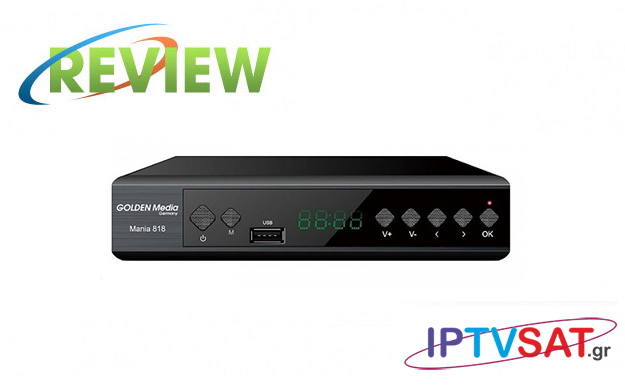
Mania 818 is a terrestrial FullHD digital receiver with USB connection slot, for program recordings, software upgrades and playback of divx, avi, mkv, mp3, mp4, jpeg and others, including those with comp hevc. The compression is increasingly common in Internet files, as it offers a lower file size for the corresponding image quality with H.264 files.
The Golden Media Mania 818 also provides internet access, both via the Ethernet port and with suitable USB WiFi, online services such as Youtube, weather forecast and iptv.
The front features a 4-digit display, full receiver control keys, even without the remote control, and a USB 2.0 port. On the back, the connections are plentiful and in particular we find: ANT IN, ANT OUT, coaxial digital audio output S / PDIF, HDMI, Ethernet, SCART, while it should be noted that the receiver is powered directly from the mains.
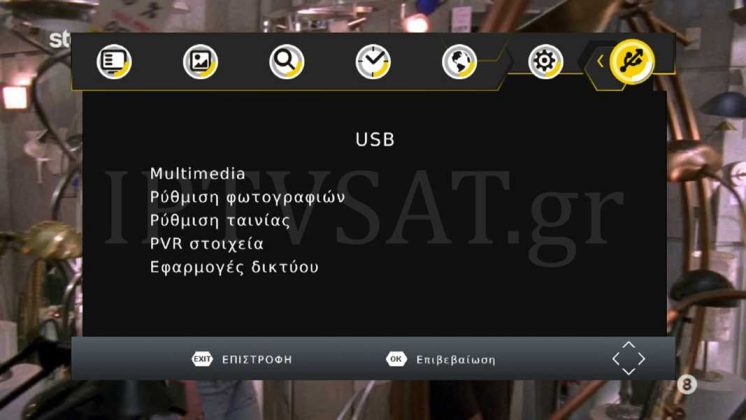
The receiver menus are elegant and clear, so you won't even have to look at the instructions for use. The main menu options are: Program, Image, Channel Find, Time, Country Selection, System and USB.
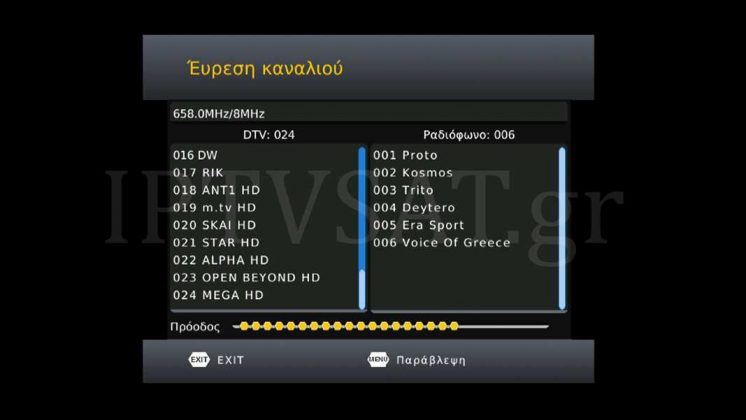
In the Country Selection - as it is obvious - we select the languages for menu, subtitles, sound, while in the Finding Channel option we perform automatic / manual detection, the country for the corresponding standard, as well as the activation of power supply or not of the antenna for any amplifier or amplifier web. Our automatic detection charges all broadcast channels in the area very quickly. When you first start the receiver, you will be asked to perform an automatic scan, however this feature can be activated at any time on the Find a Channel -> Automatic Search route.
 |  |  | |
 |  |  |
In the MENU -> Edit program path, you can make changes with the help of color keys, such as Move (red), Lock (yellow), Ignore (green), Delete (blue), rename (LAST) and favorite list (FAVOR) . You also have 4 favorites lists, but in digital terrestrial downloading, creating a favorites list is not particularly necessary.
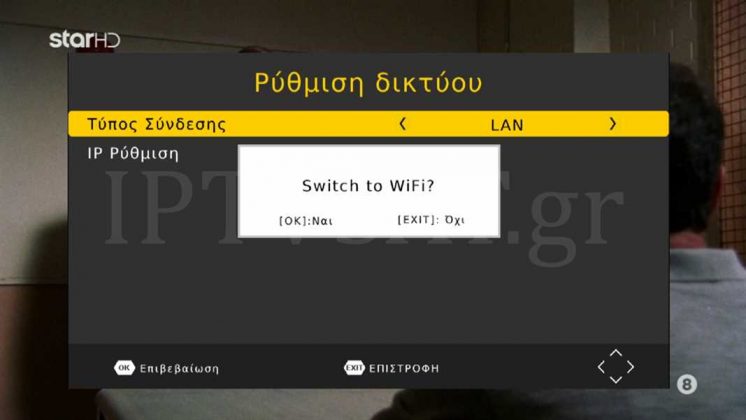
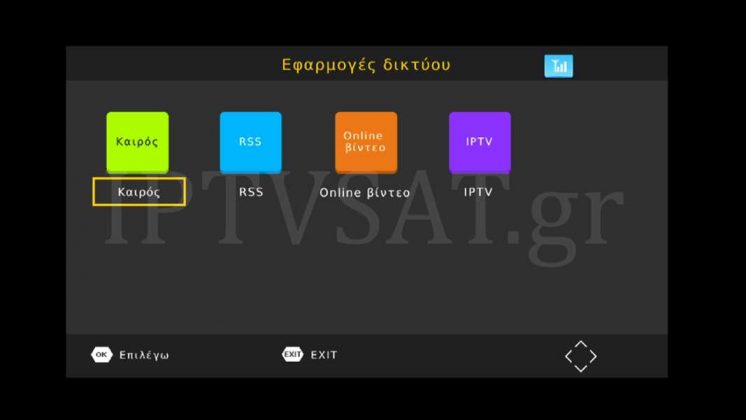
As mentioned, the Mania 818 has an Ethernet port, as well as the ability to connect a WiFi USB dongle, so that we can take advantage of the online services Weather, Youtube, and IPTV for manual URL or USB input
The above services are located in the USB -> Network Applications path.The above services are located in the USB -> Network Applications path.
On Youtube, you can select HD, SD, and area resolution and then search by keyword.On Youtube, you can select HD, SD, and area resolution and then search by keyword.
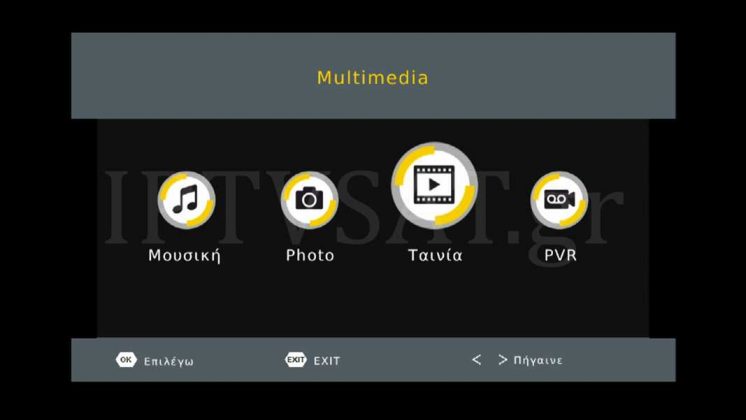
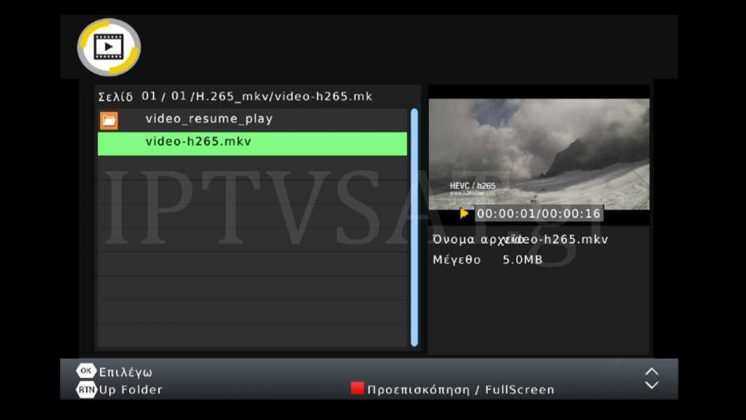
The Golden Media Mania 818 can accept an external hard drive or a sticker, with the ability to play audio, video and video files, as well as recordings in PVR mode. In the basic USB option, you'll find the Multimedia sub-options, Photo Settings, Movie Settings, PVR Data, and the Network Apps we saw above.
Before you watch a movie with external subtitles, we suggest that you go to Settings and adjust the subtitles to your liking, such as size, background, and color.
Reproduction of video files with Greek external subtitles is uninterrupted - as the tests showed - even in HEVC compressed files, while for point detection, you have fast forward up to 32X.
Regarding the photos, you can play in slideshow or in a grid, while music playback is also seamless.
On a connected external hard drive, you can format in NTFS or FAT32 in the USB -> PVR path.
Other features of the receiver include 7-day EPG, 8 lists of favorite channels, quick channel search, parental control, multilingual OSD, low power consumption, teletext, subtitles.
Finally, in the package you will find - in addition to the receiver - a remote control, 2x batteries (AAA type) and instruction manual.
The Golden Media Mania 818 is an economical FullHD terrestrial digital receiver with very fast channel scanning, compatible with DVB-T2 / HEVC, capable of playing files as a media player, while accessing the internet with online services such as youtube, adds extra points to the rating !
Source: IPTVSAT.gr
Author: Periklis Pantoleon
-250x250.jpg)

-250x250.jpg)





-55x55.jpg)