Your shopping cart is empty!

MENU
Your shopping cart is empty!
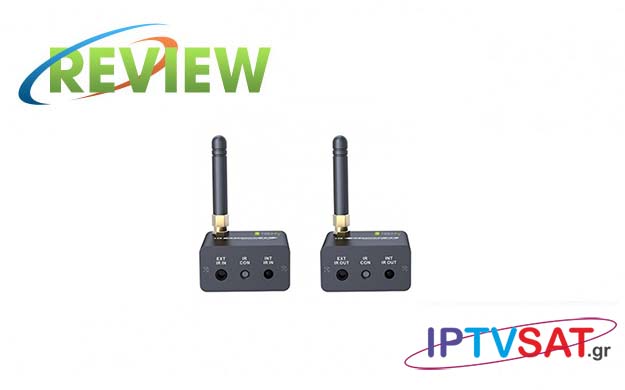
Transmitting the commands of a remote control (IR) to a remote device is often very useful, as in the case of a modulator. There are several IR transmission methods, while Techly suggests the wireless method, because it simply has - as we found out - a very… "strong" product!
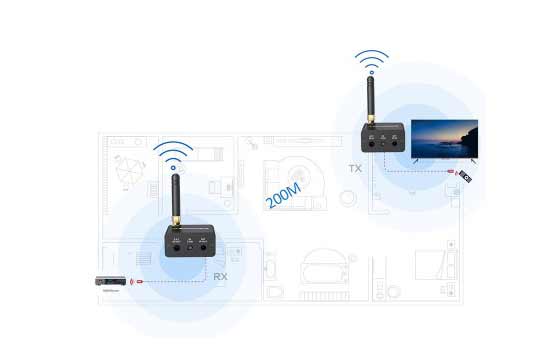
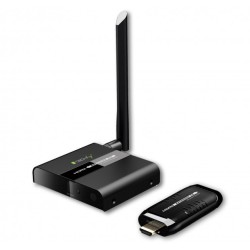
Techly IDATA HDMI-WL88 consists of a transmitter (Tx) and a receiver (Rx), which operate in conjunction and are capable of covering a distance of up to 200 meters outdoors, at a frequency of 915 MHz.
The transmission power of the Tx is 10 dBm or 10 mW, which is considered sufficient for broadcasting in a home, while the IR frequency range is between 20 - 60 KHz, which means compatibility with all devices.
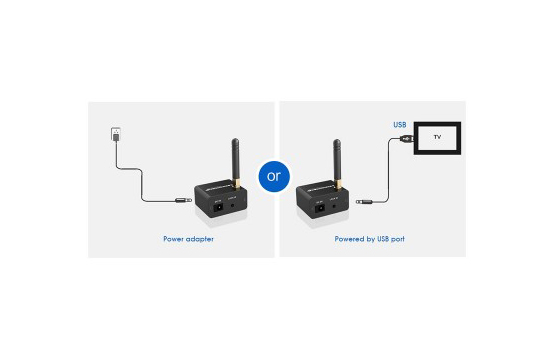
The transmitter and receiver are powered by a USB port with the corresponding cables provided, which means that you can use the free USB ports of your devices, while it is clearly possible to use USB chargers such as those of mobile phones.
In the package you will also find 2 IR extension cables, one for infrared emission and one for receiving, which you can not use, as we will see below.
The transmitter and receiver are housed in an aluminum housing measuring 95 x 120.58 x 20.1 mm, have a multi-directional antenna that unscrews, 5V power socket and a Lock ID button for coupling or international coupling.
In addition, the transmitter (Tx) has an EXT IR IN socket for the provided IR Blaster extension cable, an LED (IR CON) for IR communication and the built-in infrared sensor for receiving IR remote control commands.
The receiver (Rx), respectively, has an EXT IR OUT socket for the infrared extension cable provided to the device, an LED (IR CON) for IR communication and the built-in infrared transmitter INT IR OUT.
 | 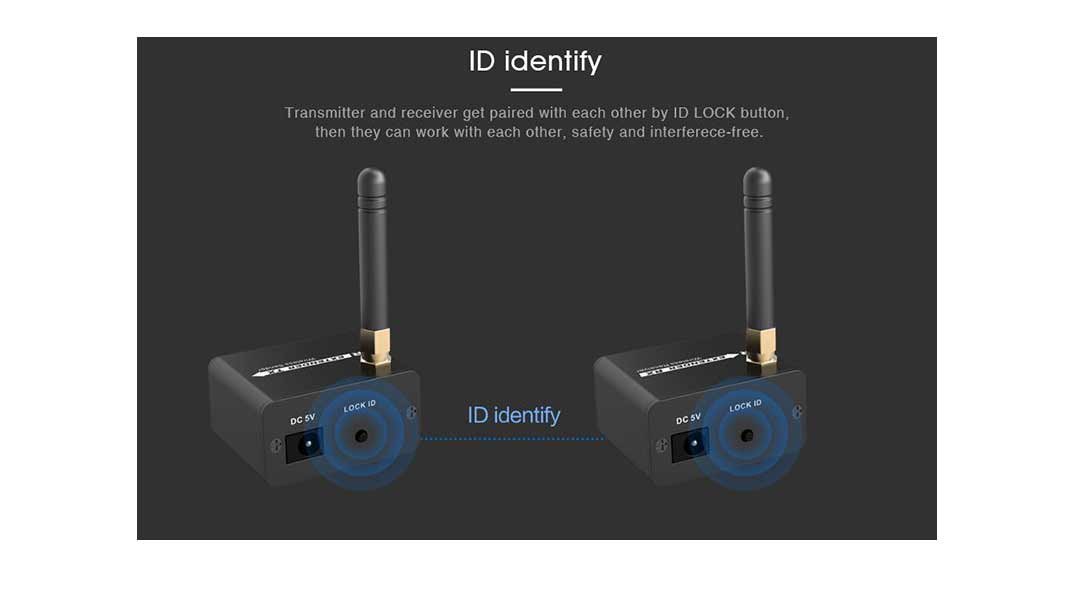 |  |
Before using the set, you need to do the necessary pairing as follows:
1. Feed on both devices (Tx, Rx)
2. On the Rx, press the Lock ID button for 4 seconds, until the LED IR CON starts flashing and you release it.
3. On Tx, press the Lock ID button for 4 seconds, until the LED IR CON turns off and you release it.
4. You are ready.
The Tx transmitter is placed at the point where we want to have remote control, for example on the second TV. In most cases the IR blaster cable will not be needed, as we may have visual contact with the Tx.
The Rx receiver is placed close to the device we want to control, such as a receiver. If we place the Rx in front of the device panel, we may not be using the IR extension cable, however in many cases it may be a good idea to connect the cable and stick the IR transmitter on the device panel. As mentioned above, the power is provided by a free USB port.
In case you want remote control from different points, you can just transfer the Tx and the remote control to any point you want and you are ready, fast and simple!
We placed the Tx and Rx at both ends of the test area, in the middle of walls, and performed a remote control test on various devices, such as Vuplus, Dreambox, Xtrend and Edision satellite receivers, DVD players, and CosmoteTV decoder. All the remote controls were completely successful, without the slightest mistake, confirming our initial assumptions when we read the technical specifications.
Techly IDATA HDMI-WL88, is a very powerful and flexible IR wireless set, with built-in sensors and IR extensions, which you can trust without fear of remote device remote control!
Source: IPTVSAT.gr
Author: Periklis Pantoleon
-250x250.jpg)

-250x250.jpg)




-55x55.jpg)